Calculadora Kotatso: Calculadora Matemática en Línea Gratuita con Solución Paso a Paso
Explicación paso a paso
Todos hemos vivido esta escena: un estudiante teclea una división en una calculadora, aparece un número en la pantalla y, aun así, no entiende nada. El resultado está ahí, pero el camino para llegar a él sigue siendo un misterio. Las calculadoras tradicionales son excelentes para obtener respuestas rápidas, pero fallan en lo más importante para quien está aprendiendo: no enseñan el procedimiento.
La Calculadora Kotatso nace para resolver ese problema. Es una herramienta educativa e interactiva que muestra, de forma visual y ordenada, cada paso de las operaciones aritméticas: las llevadas de una suma, los préstamos de una resta, las filas de una multiplicación o los descensos de una división larga. No solo ves cuál es la respuesta, sino cómo se construye.
Además, funciona completamente en línea, sin registro, sin descargas y sin instalar aplicaciones. Abres kotatso.com en tu navegador, escribes tus números y empiezas a aprender. Y lo mejor: es gratuita, ahora y siempre.
¿Qué es la Calculadora Kotatso y cómo ayuda al aprendizaje?
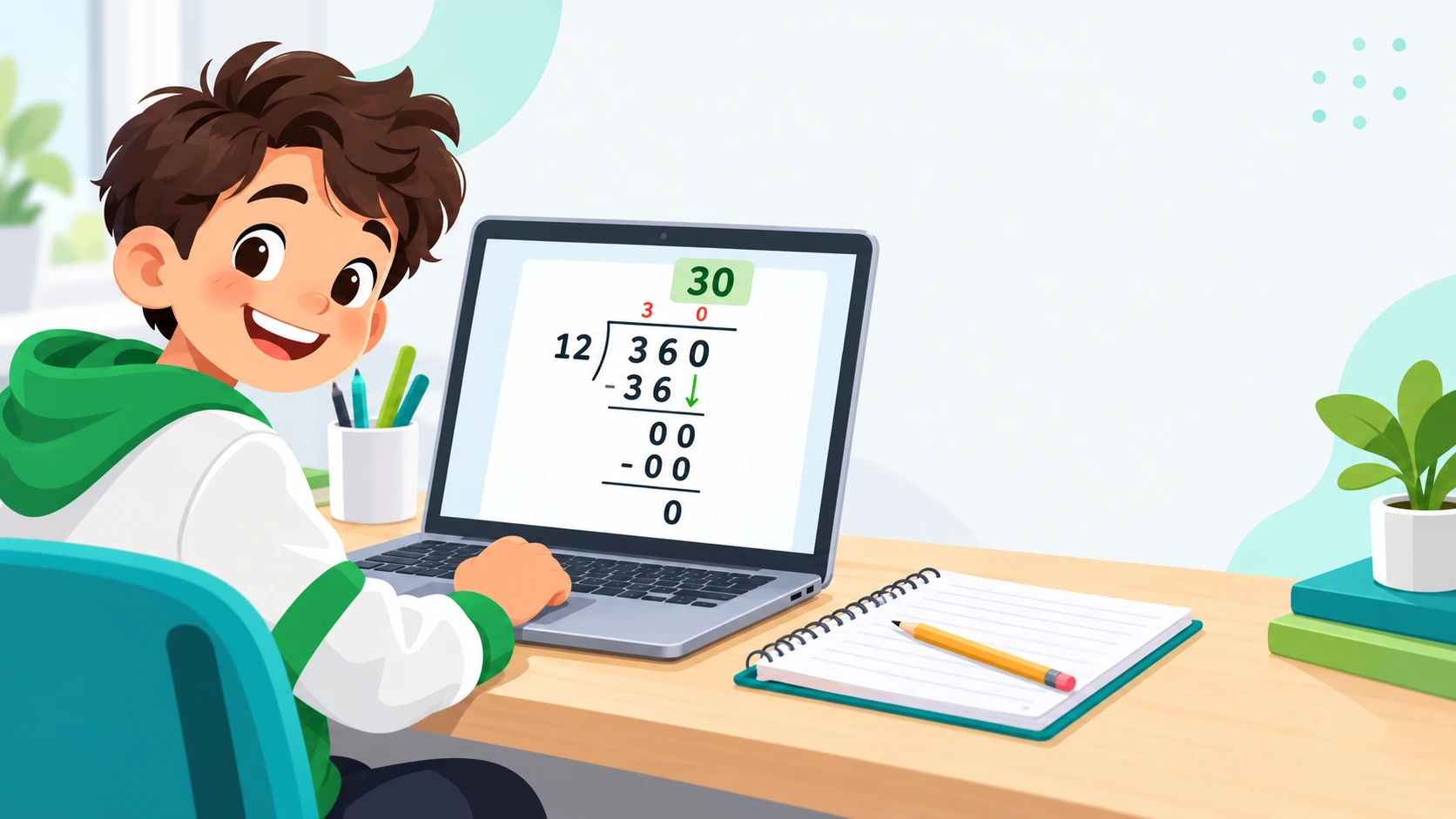
La Calculadora Kotatso es una calculadora matemática en línea diseñada con un propósito muy claro: ayudar a comprender las operaciones, no únicamente a resolverlas. Cada vez que introduces un cálculo, la herramienta despliega en pantalla el desarrollo completo, tal como lo escribiría un buen profesor en la pizarra o un estudiante cuidadoso en su cuaderno.
Una filosofía centrada en el «cómo» y el «porqué»
En matemáticas, llegar al resultado correcto es solo una parte del aprendizaje. La otra, igual de importante, es entender por qué ese resultado es correcto. Un alumno que memoriza trucos sin comprender su lógica suele bloquearse cuando el ejercicio cambia un poco. En cambio, quien ve cómo se organiza una operación, por qué se lleva una unidad a la columna siguiente o por qué se baja una cifra en una división, construye una base sólida que le sirve durante toda su vida escolar.
Por eso la Calculadora Kotatso prioriza el procedimiento. Cada paso aparece en un orden lógico y con una presentación limpia, de modo que el estudiante pueda seguir el razonamiento con calma, volver sobre un paso que no entendió y compararlo con lo que hizo en su cuaderno.
Diferencias entre una calculadora de bolsillo y una herramienta de aprendizaje
Una calculadora de bolsillo, o la que viene incluida en un teléfono, está pensada para ahorrar tiempo. Es la herramienta adecuada para un ingeniero, un comerciante o un contador que ya domina los métodos y solo necesita el resultado. Para un niño de nueve años que está descubriendo la división, en cambio, ese mismo aparato puede convertirse en un atajo que le impide aprender.
La diferencia puede resumirse así:
- Calculadora estándar: entrega el resultado final y oculta el proceso.
- Calculadora Kotatso: muestra el procedimiento completo y deja el resultado como la conclusión natural del recorrido.
- Calculadora estándar: premia la velocidad.
- Calculadora Kotatso: premia la comprensión y la revisión del propio trabajo.
Dicho de otro modo, una calculadora convencional responde a la pregunta «¿cuánto da?», mientras que Kotatso responde también a «¿cómo se llega ahí?». Esa segunda pregunta es la que realmente hace progresar a un estudiante.
Cómo funciona la Calculadora Kotatso
La lógica es directa: escribes los números, eliges la operación y la herramienta construye el desarrollo completo ante tus ojos. No hay atajos ocultos ni pasos omitidos. Detrás de la pantalla, los cálculos se ejecutan con algoritmos que garantizan la exactitud del resultado, pero lo que se muestra al usuario es el método escolar: el mismo que aparece en los libros de texto y en las explicaciones de clase.
Una presentación que imita el cuaderno
Cada operación aparece tal como se escribiría a mano: cifras alineadas por columnas, pequeños números sobre las cifras para indicar lo que se lleva, productos parciales en filas separadas y divisiones con su esquema clásico. Un espaciado cuidado permite distinguir cada etapa sin esfuerzo, y esa familiaridad hace que el estudiante reconozca de inmediato lo que está viendo.
El orden y la lógica del método
Observar el proceso de principio a fin ayuda a captar la secuencia: por qué se empieza por las unidades, cuándo se baja una cifra o en qué momento se agrega la coma decimal. Repetida con distintos números, esa secuencia es lo que termina convirtiéndose en comprensión duradera.
Características principales y ventajas pedagógicas
Más allá de su sencillez, la Calculadora Kotatso reúne varias cualidades que la convierten en un buen apoyo para el estudio diario.
Visualización completa del procedimiento
Las operaciones se presentan en el formato que se enseña en la escuela: números alineados por columnas, cifras que se llevan o se piden prestadas, productos parciales ordenados y divisiones largas con cada resta intermedia. Ver estos elementos en su lugar exacto ayuda a que el estudiante relacione lo que aparece en pantalla con lo que debe escribir en su cuaderno.
Esta representación es especialmente valiosa para quienes aprenden mejor con apoyo visual. Muchos niños no tienen dificultad con las matemáticas en sí, sino con retener una serie de pasos abstractos. Cuando esos pasos se ven de forma ordenada y consistente, la secuencia se vuelve más fácil de recordar.
Verificación inmediata de tareas escolares
Una de las mayores ventajas de la herramienta es que permite la autocorrección. El estudiante resuelve primero su ejercicio en papel y después ingresa los mismos números en la calculadora para comparar. Si el resultado coincide, gana seguridad. Si no coincide, puede revisar paso a paso el desarrollo mostrado y descubrir en qué momento exacto se desvió: una llevada olvidada, una resta mal planteada o una cifra mal bajada.
Este proceso transforma el error en una oportunidad de aprendizaje. En lugar de esperar al día siguiente para que el docente corrija, el niño recibe retroalimentación inmediata y puede rectificar mientras el ejercicio aún está fresco en su memoria.
Accesibilidad total desde cualquier navegador y sin límites de uso
La Calculadora Kotatso se abre directamente desde el navegador, sin crear una cuenta, sin descargar archivos y sin pasar por pantallas de suscripción. Puedes usarla desde una computadora de escritorio, una laptop, una tableta o un teléfono, y tantas veces como necesites. No hay un número máximo de cálculos ni funciones bloqueadas.
¿A quién está dirigida esta herramienta?
La herramienta fue pensada para toda la comunidad educativa. Cada grupo puede sacarle partido de una manera distinta.
Estudiantes de primaria y secundaria
Para los alumnos, Kotatso funciona como un tutor paciente que siempre está disponible. Es útil cuando se aprenden contenidos que suelen generar confusión, como la división con varias cifras, la colocación de la coma decimal o el trabajo con números grandes. Un estudiante puede practicar a su propio ritmo, repetir un procedimiento cuantas veces quiera y comprobar sus avances sin sentir presión ni vergüenza por equivocarse.
Padres de familia
Muchos padres quieren acompañar las tareas de sus hijos, pero se encuentran con un obstáculo habitual: los métodos escolares se aprendieron hace muchos años y ya no se recuerdan con claridad. La Calculadora Kotatso permite repasar esos procedimientos tradicionales en pocos minutos. Así, la hora de la tarea deja de ser un momento de tensión y se convierte en una oportunidad para aprender juntos, con explicaciones claras y sin necesidad de improvisar.
Docentes y tutores
En el aula o en una clase particular, la herramienta sirve como recurso de apoyo visual. Un docente puede proyectar la pantalla para demostrar cómo se resuelve una multiplicación de varias cifras, comparar dos métodos o mostrar la factorización de un número en primos. También sirve para verificar con rapidez las soluciones de una guía de práctica.
Estudiantes que se preparan para exámenes
Quien tiene una evaluación cerca necesita practicar con método. Kotatso permite hacer ejercicios por cuenta propia, contrastarlos con el desarrollo correcto y detectar los errores recurrentes antes del día del examen, cuando todavía hay tiempo de corregirlos.
Operaciones matemáticas paso a paso disponibles
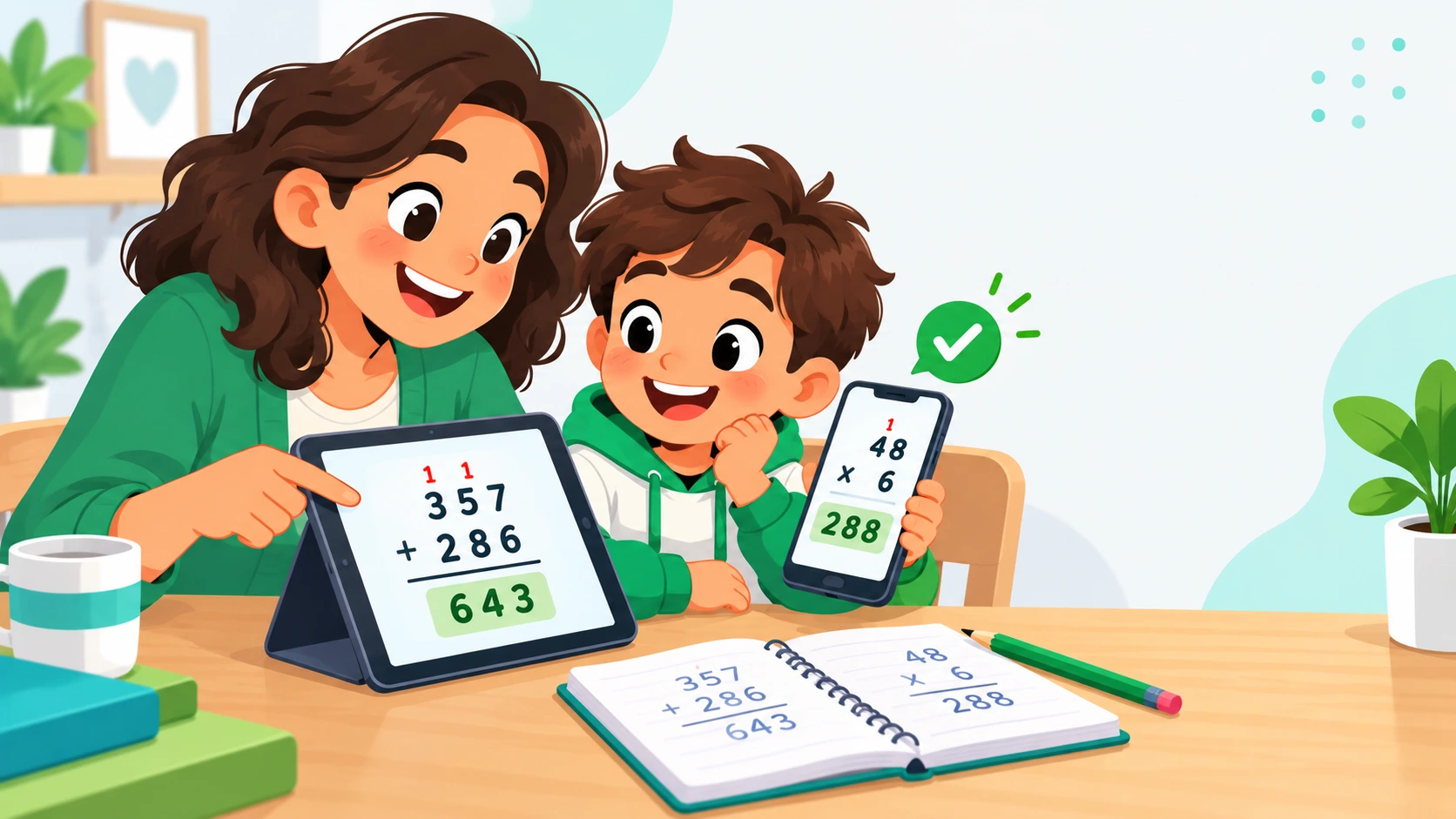
La Calculadora Kotatso cubre las operaciones fundamentales de la aritmética escolar y algunos procedimientos más avanzados. A continuación se describen, con ejemplos ilustrativos, las principales.
Suma y resta con llevadas y préstamos
En la suma, la herramienta muestra las cifras alineadas por columnas y destaca cada llevada. Por ejemplo, al calcular 478 + 395, se observa que en la columna de las unidades 8 + 5 da 13: se escribe 3 y se lleva 1. En las decenas, 7 + 9 + 1 da 17: se escribe 7 y se lleva 1. Finalmente, en las centenas, 4 + 3 + 1 da 8. El resultado es 873, y el estudiante ha visto de dónde sale cada cifra.
En la resta, el énfasis está en los préstamos. Al restar 602 − 247, las unidades no alcanzan (2 es menor que 7), y como en las decenas hay un cero, el procedimiento muestra cómo se toma prestado desde las centenas. Tras reorganizar, las unidades quedan en 12 − 7 = 5, las decenas en 9 − 4 = 5 y las centenas en 5 − 2 = 3. El resultado es 355.
Multiplicación tradicional por columnas y de varias cifras
Cuando el multiplicador tiene más de una cifra, la multiplicación puede parecer un laberinto. La calculadora la divide en etapas claras. Con 346 × 27, primero se calcula 346 × 7 = 2.422; luego, 346 × 20 = 6.920, desplazando el resultado una posición hacia la izquierda; y por último se suman ambos productos parciales para obtener 9.342. Al ver cada fila por separado, el estudiante comprende qué representa cada producto parcial en lugar de aplicar una receta sin entenderla.
División larga con cociente, residuo y decimales
La división es, para muchos alumnos, la operación más difícil. Kotatso muestra el esquema clásico con el dividendo, el divisor, el cociente y cada resta intermedia, indicando cuándo se baja una cifra. Si dividimos 875 entre 4, el cociente entero es 218 y el residuo es 3, porque 4 × 218 = 872.
Si se desea continuar con decimales, el procedimiento añade una coma al cociente y sigue dividiendo: 30 entre 4 da 7 y sobran 2; luego, 20 entre 4 da 5 y no sobra nada. El resultado final es 218,75. Así se aclara una de las dudas más frecuentes: qué hacer cuando la división «no sale exacta».
Raíz cuadrada por el método tradicional y factorización en números primos
La raíz cuadrada con el método clásico es un procedimiento que muchos adultos ya olvidaron y que muchos estudiantes nunca llegaron a entender. La herramienta lo desarrolla de forma ordenada. Para √529, agrupa las cifras de dos en dos (5 | 29), busca el mayor cuadrado perfecto que cabe en 5 (que es 4, con raíz 2), baja el siguiente grupo para formar 129 y encuentra la cifra que completa el proceso: 43 × 3 = 129. La raíz es 23, sin residuo.
La factorización en números primos se presenta como una secuencia de divisiones sucesivas. Por ejemplo, para 360: se divide entre 2 (180), otra vez entre 2 (90), otra vez entre 2 (45), luego entre 3 (15), de nuevo entre 3 (5) y finalmente entre 5 (1). El resultado se expresa como 2³ × 3² × 5. Esta descomposición es la base para entender el máximo común divisor, el mínimo común múltiplo y la simplificación de fracciones.
Guía práctica: Cómo utilizar la Calculadora Kotatso
Usar la herramienta es muy sencillo. Basta con seguir estos cuatro pasos.
- Introduce los números. Puedes escribirlos con el teclado físico de tu computadora o tocar los botones de la pantalla si estás en un teléfono o una tableta. Revisa que las cifras sean las correctas antes de continuar.
- Selecciona la operación. Elige entre suma, resta, multiplicación, división, raíz cuadrada o factorización en números primos, según lo que necesites trabajar.
- Interpreta la solución visual. Una vez calculada la operación, lee el desarrollo de arriba hacia abajo y sin prisa. Fíjate en las cifras que se llevan o se piden prestadas, en los productos parciales y en cada resta intermedia. Lo ideal es comparar cada paso con el que escribiste en tu cuaderno.
- Usa el historial y el reinicio. Si quieres revisar cálculos anteriores, consulta el historial de operaciones. Cuando termines un ejercicio y quieras comenzar otro, utiliza la función de reinicio para limpiar la pantalla y empezar desde cero.
Cómo introducir correctamente los datos
En las sumas, restas y multiplicaciones se ingresan los dos números y la operación elegida. En la división se indican el dividendo (el número que se reparte) y el divisor (el número entre el que se reparte). En la raíz cuadrada y la factorización basta con un solo número. Para los decimales, se utiliza el botón o la tecla del separador decimal, y conviene revisar la colocación antes de calcular.
Un hábito que marca la diferencia
Antes de calcular, intenta resolver el ejercicio por tu cuenta. De ese modo, la herramienta no sustituye tu esfuerzo, sino que lo complementa y lo valida.
Corregir y revisar tu trabajo
Si te equivocas al escribir un número, puedes borrarlo y volver a ingresarlo; si prefieres empezar de cero, el reinicio limpia la pantalla para un nuevo cálculo. El historial te permite volver sobre ejercicios anteriores y comparar procedimientos parecidos, algo muy práctico cuando la tarea incluye varias operaciones del mismo tipo. Y si un paso no te queda claro, puedes detenerte en él y contrastarlo con tu cuaderno antes de seguir con el siguiente.
Beneficios educativos de aprender con procedimientos visuales
Una buena herramienta educativa no se mide por la rapidez con que entrega respuestas, sino por lo que el estudiante entiende después de usarla. Estos son los principales beneficios.
Comprensión más profunda
Cuando un alumno ve el procedimiento completo, deja de memorizar pasos sueltos y empieza a entender por qué cada uno es necesario. Las matemáticas se vuelven menos intimidantes y más lógicas, y el estudiante gana flexibilidad para enfrentar ejercicios que no se parecen exactamente a los que practicó.
Detección precisa de errores
Saber que una respuesta está mal ayuda poco; saber dónde se equivocó ayuda mucho. Al comparar su trabajo con el desarrollo de la calculadora, el estudiante localiza el paso exacto en el que su método se separó del correcto y puede corregirlo con precisión.
Apoyo para distintos estilos de aprendizaje
Los estudiantes que encuentran difíciles los conceptos abstractos se benefician de ver las operaciones organizadas en pantalla. Esa disposición visual funciona como un puente entre la idea matemática y su representación concreta, y es útil tanto para quienes aprenden con rapidez como para quienes necesitan más tiempo.
Autonomía y práctica a su propio ritmo
Una herramienta disponible en cualquier momento permite estudiar sin depender siempre de un adulto. El estudiante puede empezar con sumas de dos cifras y avanzar de forma gradual hacia divisiones con decimales, repitiendo lo que necesite sin cansar a nadie y sin sentirse juzgado. La repetición con números distintos es justamente lo que convierte un procedimiento nuevo en una habilidad automática.
Compatibilidad con teléfonos móviles y tabletas
La Calculadora Kotatso funciona desde el navegador de cualquier dispositivo moderno, ya sea un teléfono Android o iPhone, una tableta, una laptop o una computadora de escritorio. La experiencia es la misma sin importar el sistema operativo, de modo que lo que aprendes en casa con la computadora familiar puedes repasarlo después desde el teléfono, camino a la escuela o mientras esperas el transporte.
En pantallas táctiles, los números y las operaciones se ingresan directamente con los dedos; en equipos de escritorio, también puedes usar el teclado físico. No hace falta descargar nada: abres el navegador, escribes kotatso.com y empiezas.
¿Por qué usar una calculadora web en lugar de una aplicación?
Muchas personas buscan una aplicación para el teléfono, pero una herramienta web tiene ventajas claras, sobre todo en el ámbito escolar.
- No ocupa espacio. No consume almacenamiento, algo valioso en teléfonos con poca memoria.
- Siempre está actualizada. No hay versiones antiguas ni actualizaciones pendientes: lo que ves hoy es lo más reciente.
- Funciona en cualquier equipo. Sirve igual en la computadora del salón de clases, en la del cibercafé o en el teléfono de un familiar, sin instalar nada.
- Se comparte con un enlace. Un docente puede indicar a todo el grupo una sola dirección web y todos pueden abrirla al instante.
Para familias y escuelas, esto significa menos trabas técnicas y más tiempo dedicado a lo que importa: aprender.
Consejos para padres y docentes: Maximizar el aprendizaje matemático
Una herramienta tecnológica es tan útil como la manera en que se usa. Estas recomendaciones ayudan a obtener el mayor beneficio educativo.
Cómo evitar que los estudiantes solo copien respuestas
El riesgo de que un niño copie el resultado sin pensar existe con cualquier recurso. La mejor forma de prevenirlo es cambiar el momento en que se usa la calculadora. En lugar de consultarla al principio, conviene emplearla al final, como herramienta de diagnóstico:
- Pedir al estudiante que resuelva primero el ejercicio en su cuaderno.
- Dejar que compare su desarrollo con el de la calculadora.
- Invitarlo a localizar el paso exacto donde apareció la diferencia.
- Animarlo a explicar con sus propias palabras qué falló y cómo lo corregiría.
- Proponerle un ejercicio nuevo, similar al anterior, para confirmar que lo entendió.
Cuando el alumno debe explicar su error, el aprendizaje se profundiza, y la calculadora deja de ser un atajo para convertirse en un espejo que le muestra su propio razonamiento.
Desarrollar la confianza y reducir la ansiedad matemática
Muchos niños asocian las matemáticas con miedo a equivocarse. Esa ansiedad bloquea la concentración y alimenta la idea de que «no sirvo para esto». Una herramienta que permite verificar el trabajo en privado, sin juicios y sin límites de intentos, ayuda a romper ese círculo.
Algunas prácticas que ayudan:
- Celebrar el proceso, no solo el resultado. Reconocer el esfuerzo y la claridad del procedimiento refuerza la motivación.
- Normalizar el error. Explicar que equivocarse es parte natural del aprendizaje, y que cada error detectado es un paso hacia adelante.
- Practicar en sesiones cortas. Diez o quince minutos de práctica constante rinden más que una larga sesión agotadora.
- Aumentar la dificultad de forma gradual. Comenzar con operaciones sencillas y avanzar hacia las más complejas permite acumular pequeños éxitos.
Preguntas Frecuentes (FAQ)
¿Listo para aprender matemáticas con claridad? Prueba la Calculadora Kotatso con tu próxima tarea, escribe tus números y descubre cómo cada paso cobra sentido. Porque cuando se entiende el camino, el resultado deja de ser un misterio.
Todas nuestras calculadoras paso a paso
- Calculadora de división larga paso a paso
- Calculadora de multiplicación paso a paso
- Calculadora de suma y resta con llevadas y préstamos
- Calculadora de raíz cuadrada por el método tradicional
- Calculadora de factorización en números primos
- Calculadora de porcentajes paso a paso
- Calculadora de fracciones paso a paso
- Calculadora de MCM y MCD paso a paso
- Calculadora de álgebra con pasos
Guías y artículos del blog
- Cómo hacer la división larga paso a paso
- Errores comunes en la multiplicación de varias cifras y cómo evitarlos
- Cómo enseñar las restas con préstamos a los niños
- Cómo sumar fracciones con distinto denominador
- MCM y MCD: qué son y cómo calcularlos
- Cómo sacar el porcentaje de una cantidad
- Cómo hacer la raíz cuadrada a mano paso a paso
- Cómo descomponer un número en factores primos
- Trucos para aprender las tablas de multiplicar
- Cómo dividir por dos cifras paso a paso
- Jerarquía de operaciones explicada con ejemplos
- Cómo pasar de fracción a decimal y a porcentaje
- Ver todas las guías en el blog